
Quality control
Cleaning photo reports: what housekeepers should photograph
A set of angles from which the manager can assess the readiness of the apartment.
Why do you need a photo report?
A photo report helps the manager see the result before the guest checks in and clarify comments without a repeat visit. It complements the checklist: the “completed” mark indicates the action, and the snapshot shows the status of the zone. It is better to agree on personnel requirements in advance for each property.
General view of the rooms and bed
Shoot each main room so that the flooring, surfaces and furniture arrangement are visible. Separately, show the entire bed made. A too-close shot of the pillow does not confirm the condition of the bedroom.
- General view of the bedroom and living room.
- Bed with visible linen and adjacent area.
- An additional angle if part of the room is hidden.
Kitchen and refrigerator
Show the worktop, sink and stove in one or more clear shots. If the refrigerator is included in the inspection standard, remove the open, clean refrigerator and its shelves. The photograph of the closed door does not confirm the condition inside.
Bathroom, plumbing and towels
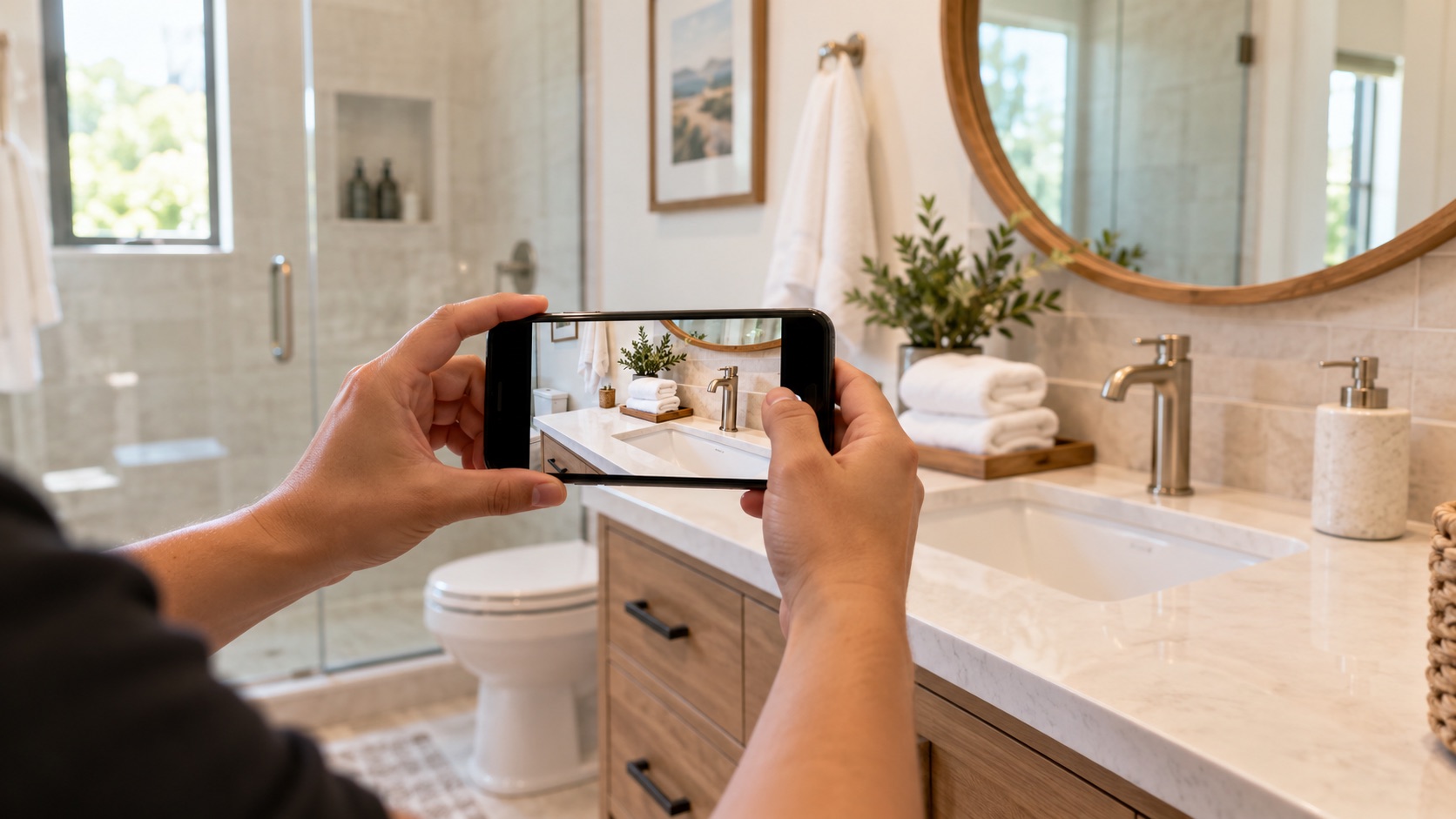
Take a general view of the bathroom, the sink and mirror, shower or bathtub and toilet. The cleanliness of the plumbing fixtures and the placement of towels should be visible in the frame. If there is glare or low light, repeat the photo: a blurry photo interferes with verification.
supplies and entrance area
Show replenished supplies if they are required for the property: toilet paper, soap, kitchen supplies. Take photos of the entrance area and the condition of the floor near the door. Do not publish access codes or other secrets in the report.
Damage and unusual situations
If damage is found, take a wide shot for the location and a close-up shot for the detail. Add a short description: what happened, where it is and whether it affects the next arrival. For controversial cases, it is useful to have a photo before cleaning. Do not mark an issue as resolved if it has only been documented.
How to make images suitable for verification
Take photos in sufficient light, without too much tilt or filters. Remove after completion of work; Before and after photos should not be confused. Don't upload identical frames for the sake of quantity. For a specific note, please attach a new photo after the correction.
Manage this step in Operly: Quality control.
Why context is more important than a photo folder
It’s easy to send pictures in the chat, but with several apartments it’s difficult to find which property and shift they belong to. When photos are attached to a task, the property, performer, time and stage of work are visible. The manager can compare the result with the checklist and accept the cleaning or return it for revision. At the same time, the messenger remains convenient for quick conversations.